E-mail
 Internet
 Webcam
 Photos
 Documents
 Text / Spreadsheet
 Address book
 Calendar
 Home page
 Adding apps
 Technical details
 Ordissimo V4
 Demonstration videos
The hub for your scanner and USB sticks
Plug in a USB device: it is recognised automatically and its contents appear on the screen. Ordissimo automatically recognises your scanner and lets you import your scans into your data in one click, without installing unwanted software.
Clear and safe storage
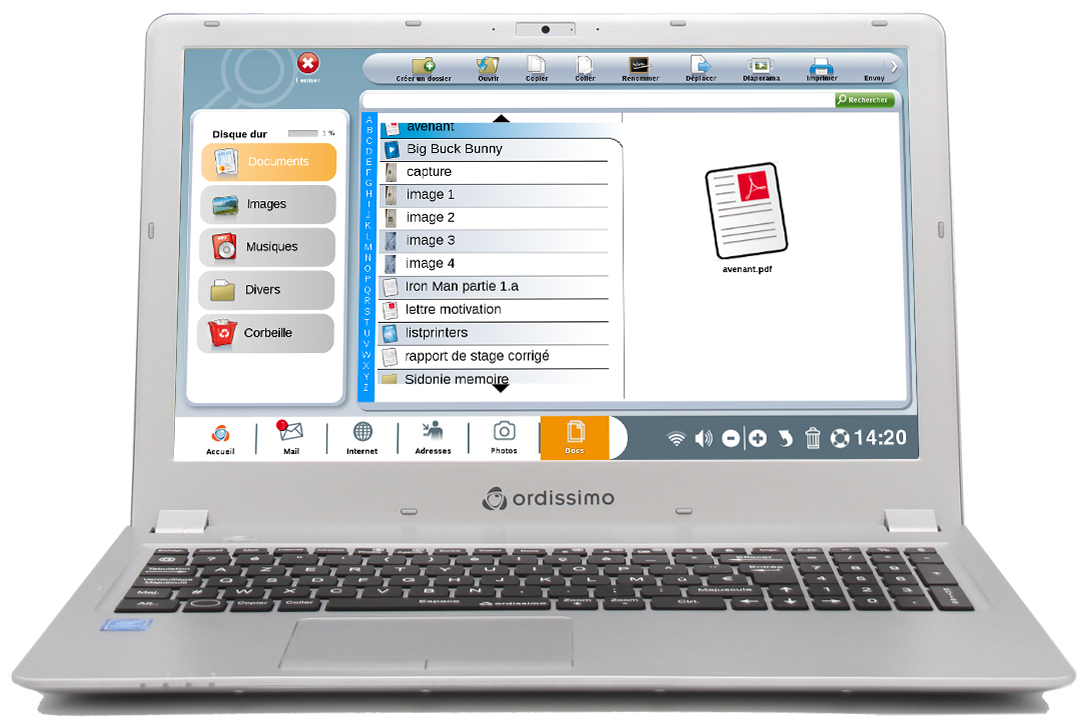
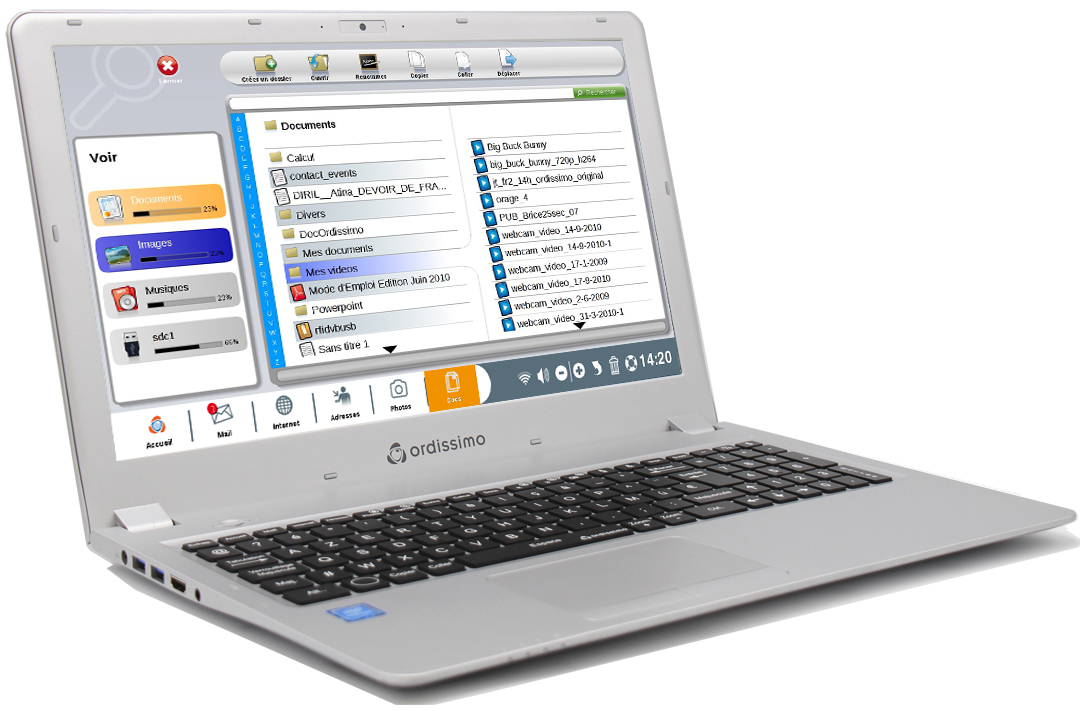
All the useful functions are at the top of your screen: Search, new folder, open, rename, copy/paste and move. Your data is sorted on the left of your screen into 3 groups: Documents, Pictures and Music. To put a document away, simply click on "Move" and choose where you want to put it.
E-F-F-I-C-A-C-E
Your data is sorted in alphabetical order. In a long list, click on the letter R to show everything from the letter R onwards.
Want to listen to a piece of music or watch a video? It starts playing straight away, without wasting time opening another app.
All the usual file formats are recognised automatically: one click and it is open!