
 E-mail
 Internet
 Webcam
 Photos
 Documents
 Text / Spreadsheet
 Address book
 Calendar
 Home page
 Adding apps
 Technical details
 Ordissimo V4
 Demonstration videos

Write. Received. Sent
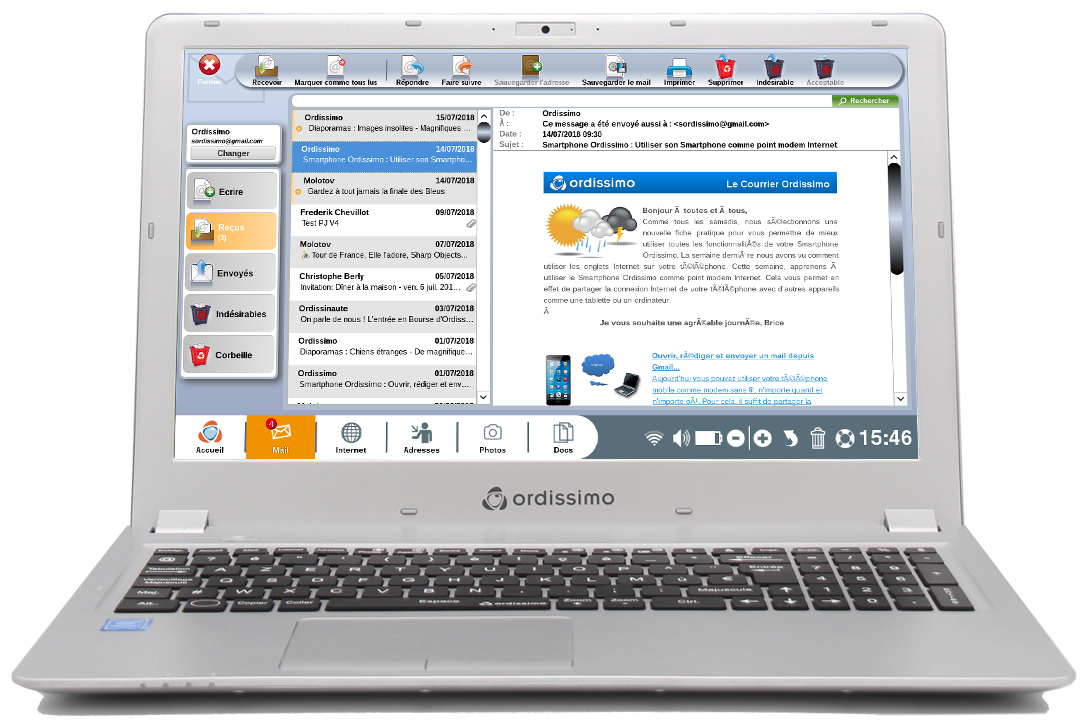
Mailissimo organises your e-mails. Three essential options:
-"Write" to write an e-mail,
-"Received" to see the e-mails you have received,
-"Sent" to look at the e-mails you have sent.
You cannot go wrong! For even more comfort, "zoom" in on all your e-mails with the "Zoom" functions on the screen.
The bin lets you recover e-mails deleted in the same session.
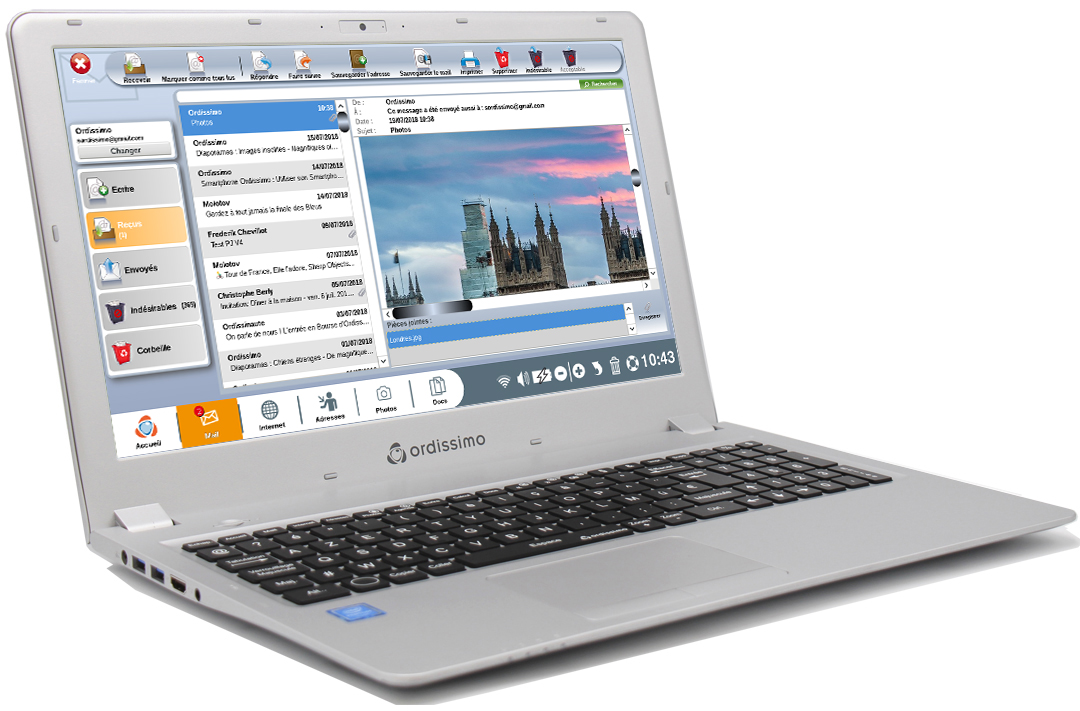
Built-in, smooth attachments
Mailissimo is also complete: you can view your attachments directly. As Mailissimo handles e-mail in HTML format, all the photos or pictures you receive can appear in the body of the message.
Click on "Save the attachment" to keep it in your documents.
Clever contacts!
To write an e-mail to someone close to you, just click on their name on the left of your screen. All your contacts are in alphabetical order, like in a paper address book.
Have you received an e-mail from someone you want to add to your contacts? Click on the "Add to my contacts" button and they are saved immediately!